
Add embeddings directly from OpenAI, Azure, Hugging Face, Cohere or other embeddings.
Depending on your task, one of the first things you can do is to pick one (or multiple) embeddings for your data. If you're not familiar with embeddings yet, make sure to take a look at [our blog](https://www.kern.ai/company/blog) or check out other resources like [this](https://www.kdnuggets.com/2021/11/guide-word-embedding-techniques-nlp.html) one.
To create one, click "Generate embedding" on the project settings page. A modal will open up, asking you for the following information: - `target attribute`: If you have multiple textual attributes, it makes sense to compute embeddings for them step-by-step. Here you can choose the attribute you want to encode. - `platform`: This option lets you choose between locally generated embeddings from HuggingFace (e.g. BERT) or Python (e.g. Bag-of-words), or embeddings from a third-party provider like OpenAI (e.g. GPT) or Cohere. - `granularity`: You can both calculate the embeddings on the whole attribute (e.g. the full sentence/paragraph) or for each token. The latter option is helpful for extraction tasks, whereas attribute embeddings help you both for classification tasks and [neural search](/refinery/neural-search). We recommend that you always begin with attribute-level embeddings. - `model`: This defines the model to use. For HuggingFace, you can choose from the recommended options or type in any configuration string (e.g. `KernAI/stock-news-distilbert`).
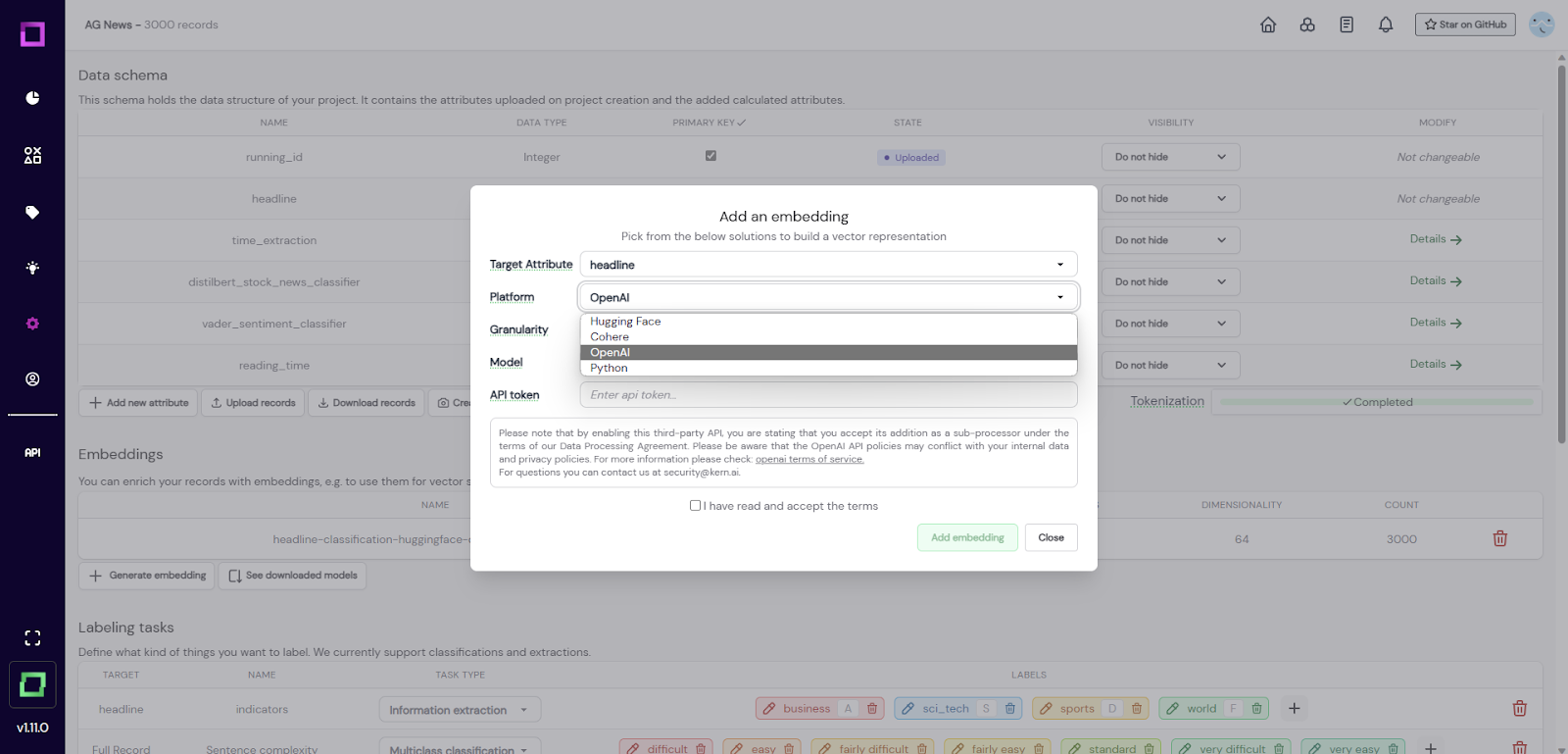
Fig. 1: Screenshot of the project settings page where the user wants to add a new embedding. For third-party providers, you will have to provide an API key and accept their Terms of Service. On the managed version, the embedding creation is calculated on a GPU-accelerated instance. Generally, this process might take some time, so it might be time to grab a hot coffee. ☕ To save you disk space, the embeddings are reduced to 64 dimensions using PCA. In our experiments, this had no significant impact on the performance of neural search, active learners, or any other embedding-related feature of refinery. You can read more about it [here](https://www.sbert.net/examples/training/distillation/README.html#dimensionality-reduction). Once the computation is finished, the embedding is usable for active learning (and in the case of attribute-level embeddings, for [neural search](/refinery/neural-search)).
If you are using the managed version of refinery, you can download commonly used models so that they don't have to be pulled from huggingface every time you are using them. They are then globally available to your workspace, not only for a single project. In order to do that, go into any project settings page and find the "see downloaded models" button beneath the embeddings. Just add a new model there. The whole process is shown in Fig. 2.
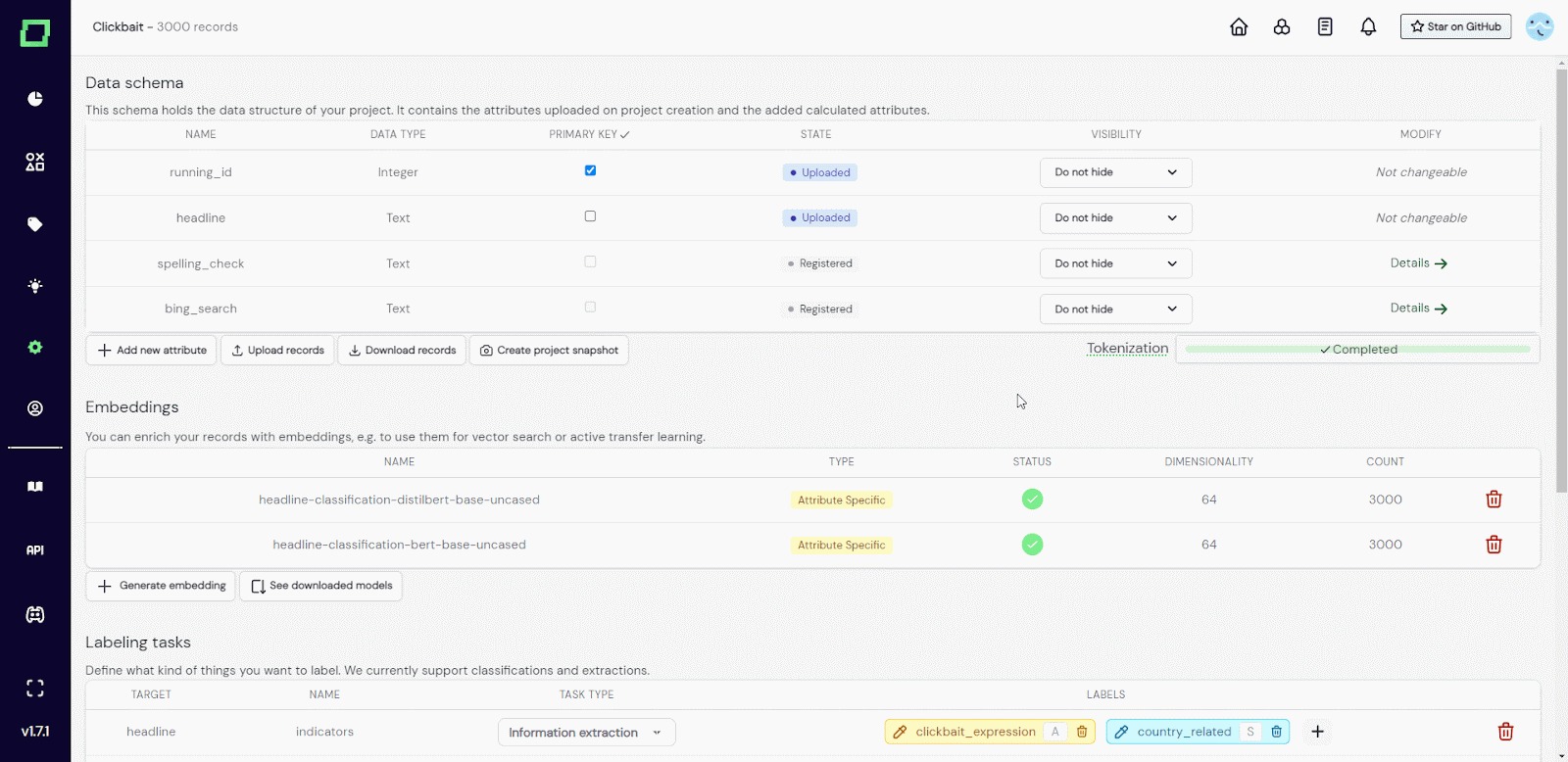
Fig. 2: GIF of the user adding a huggingface model to the downloaded models.