See where to get started in cognition
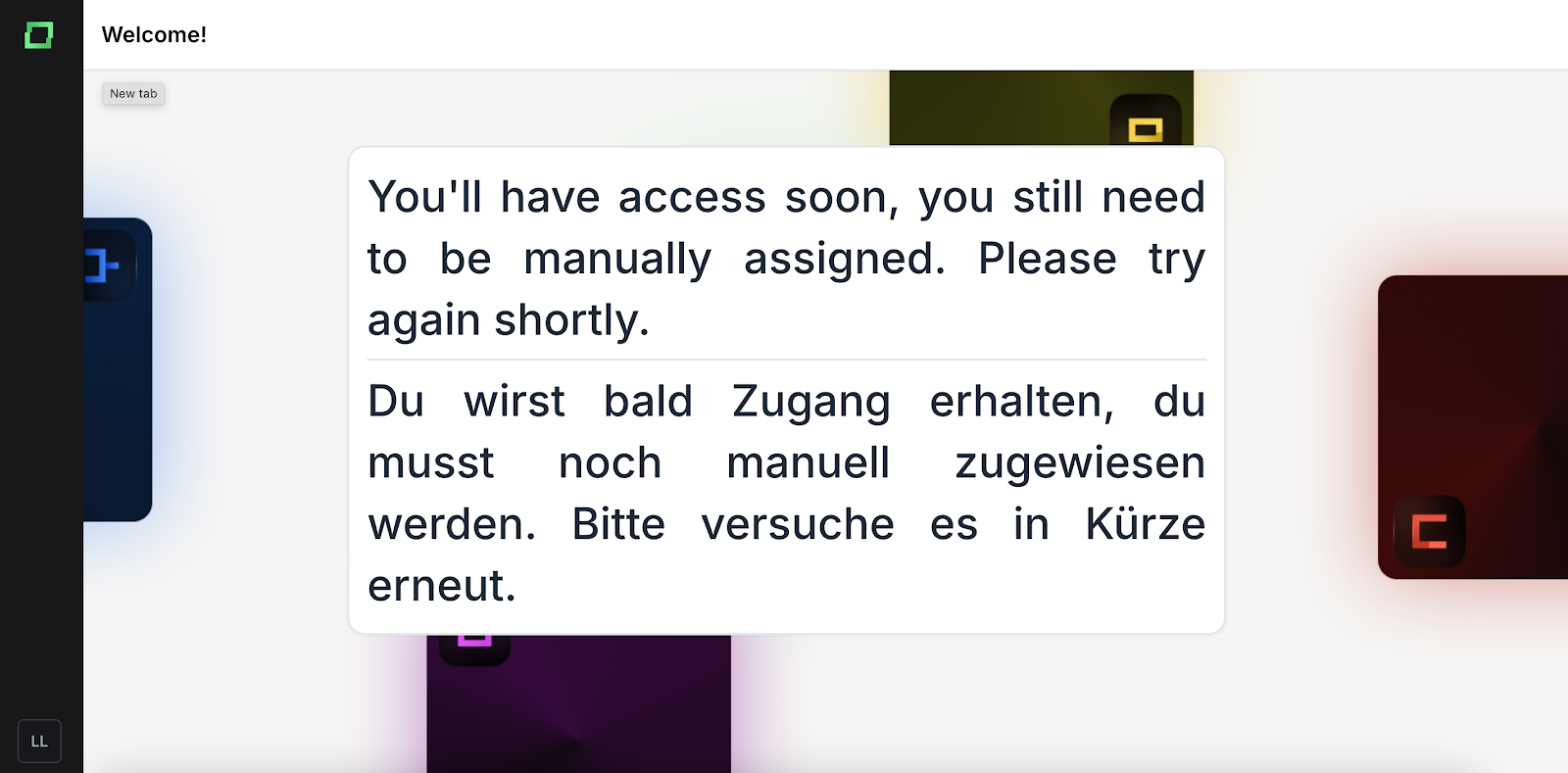
Before you can access a project, you need to be manually assigned to an organization by the Kern AI team. It usually takes up to 24 hours for this process to be completed. Once you are part of an organization, you can access Cognition at https://cognition.kern.ai
If you are not assigned yet, the following screen will appear:
In the project overview, you can see the types of use cases and the GenAI agents that are set up. The application supports two user roles: engineers and annotators. Engineers can access the functionality listed in the developer documentation, and modify the agent's behaviour by using the editor. Annotators can interact with the GenAI agent only through its UI via a chatbot. More information about the roles are provided in the following section: Role description Section.
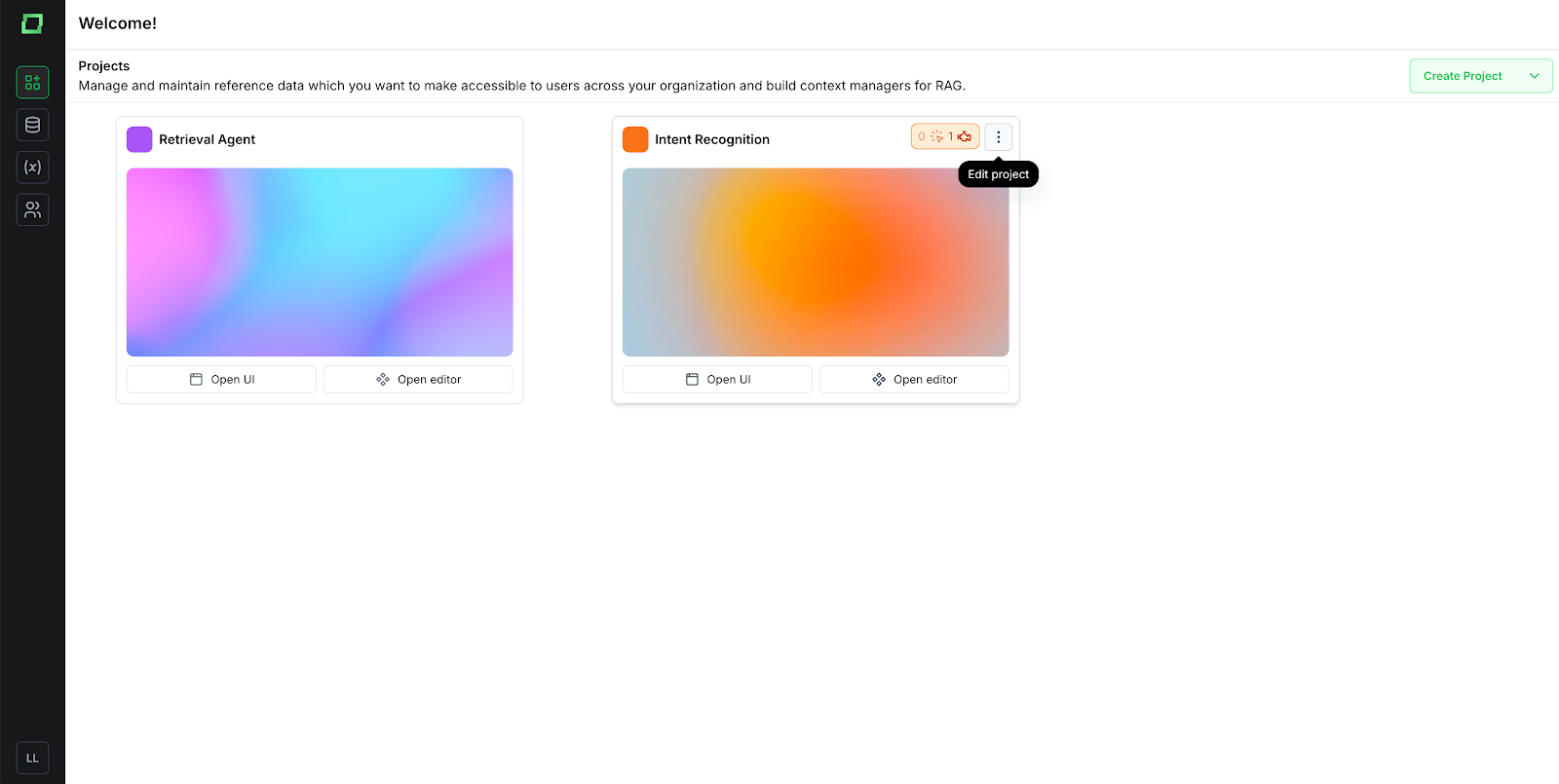
When you hover over an agent, three dots will appear in the top right corner. Clicking on them opens a settings modal. Here, you can update your GenAI agent’s appearance and configure different project settings. Additionally, the number of engineers and annotators will be displayed with their corresponding icons to indicate each.
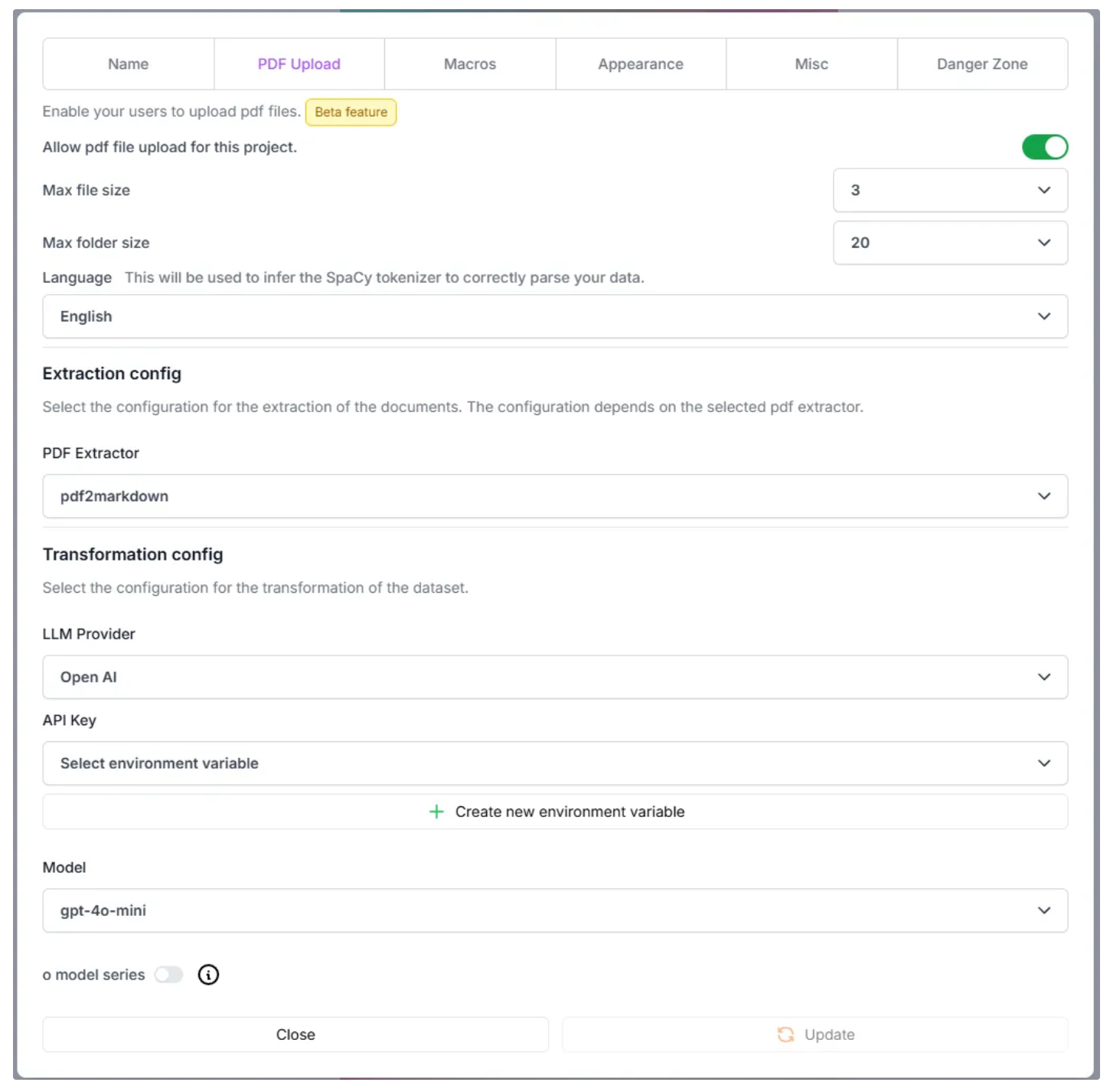
The modal for editing a project consists of five sections:
Example of the PDF Upload section, where different configuration for the PDF settings can be set:
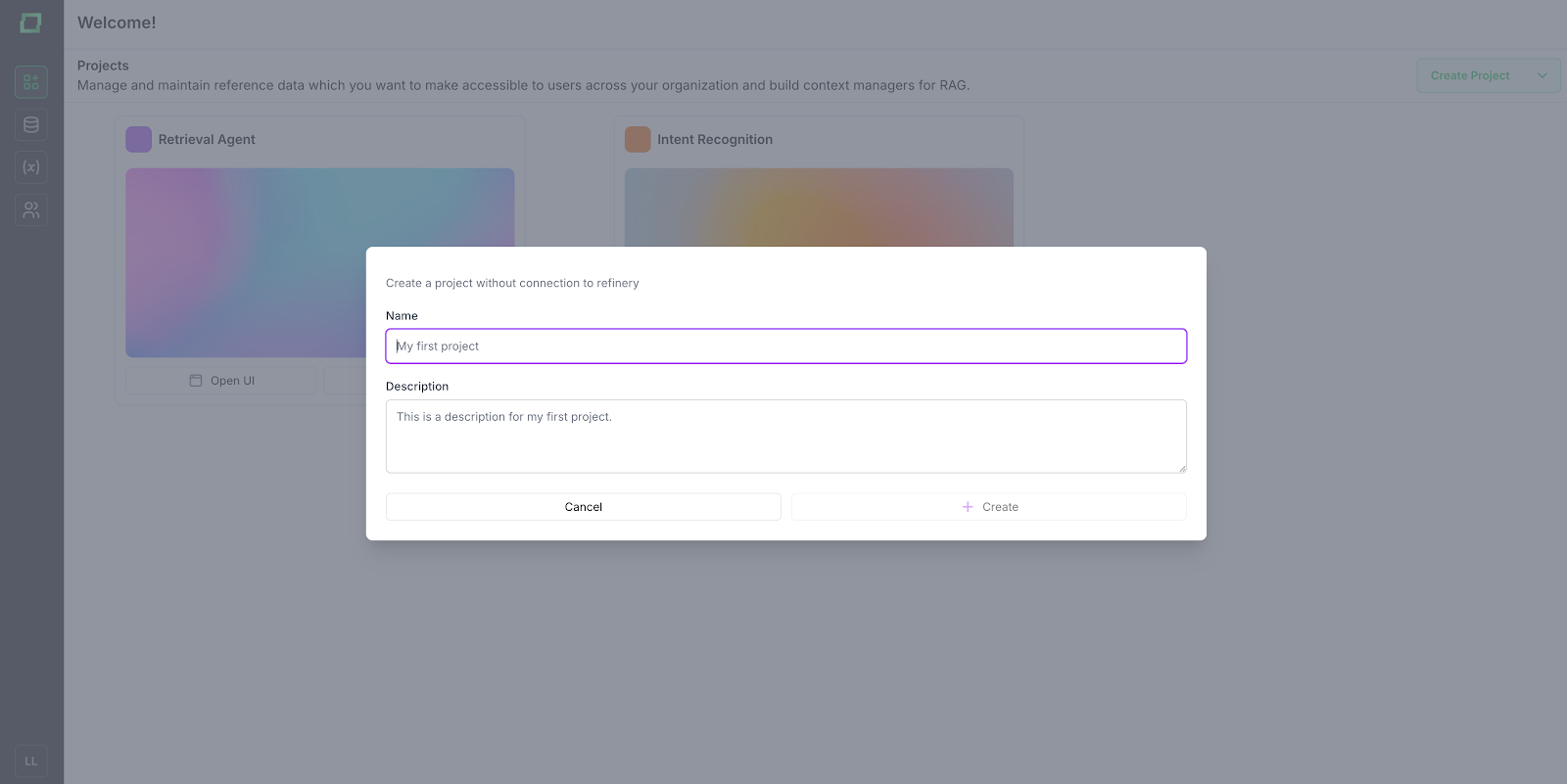
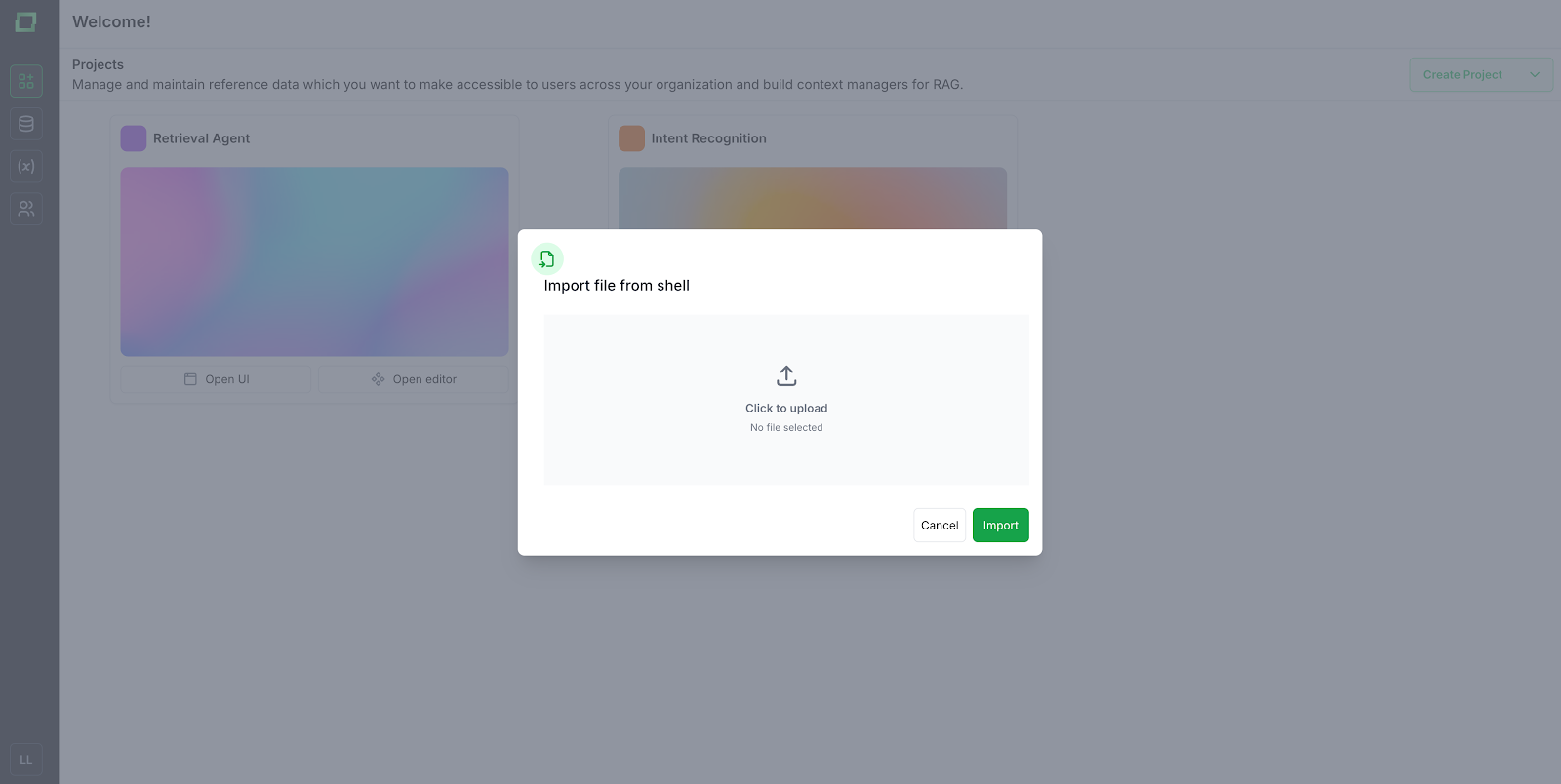
A new agent can be created as a blank project or imported from a project shell file, which is a JSON export of a Cognition project. Both options can be accessed through the green "Create Project" dropdown.