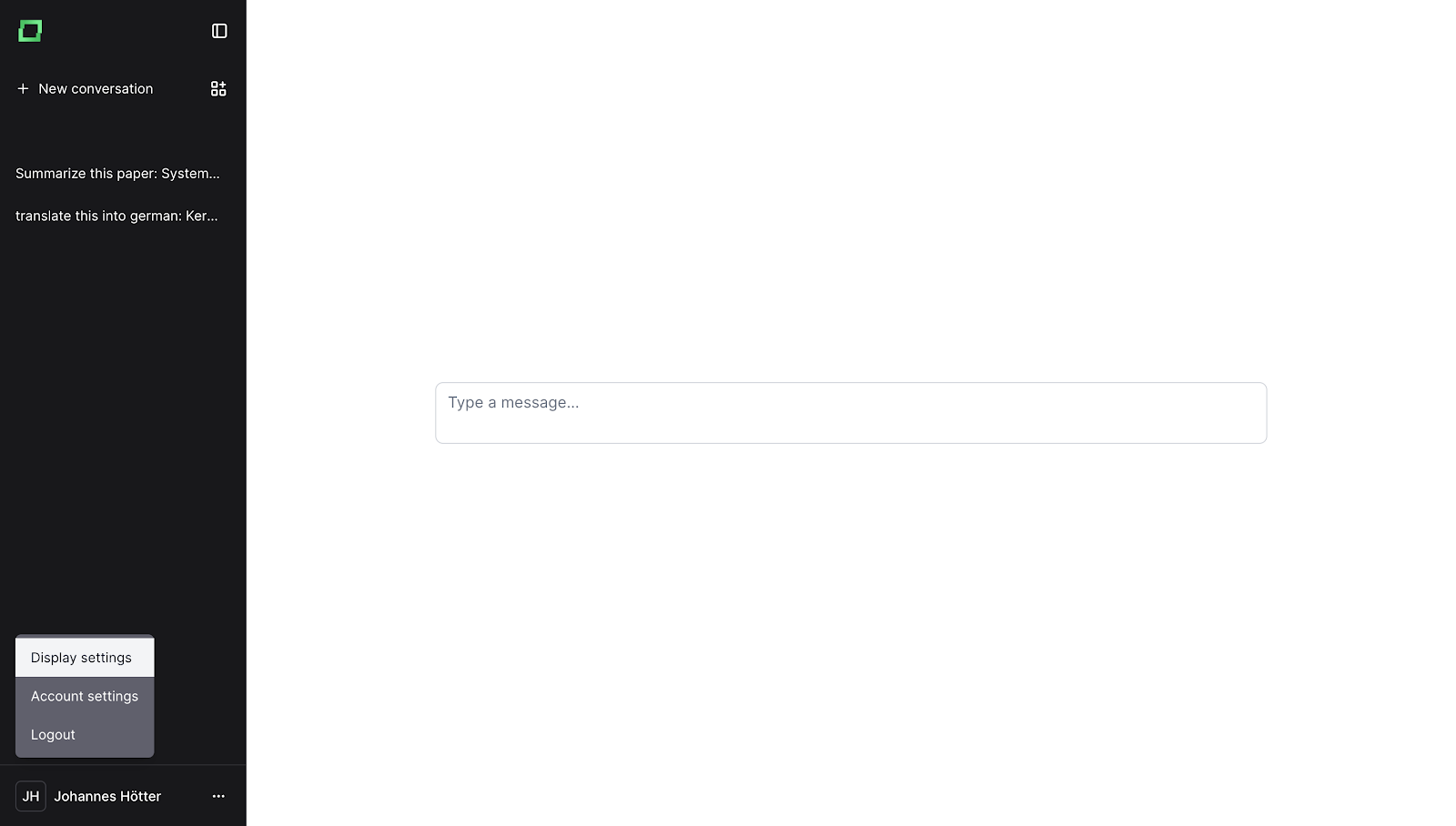
To change the language of your UI, click on your user's name, which will open a context menu.
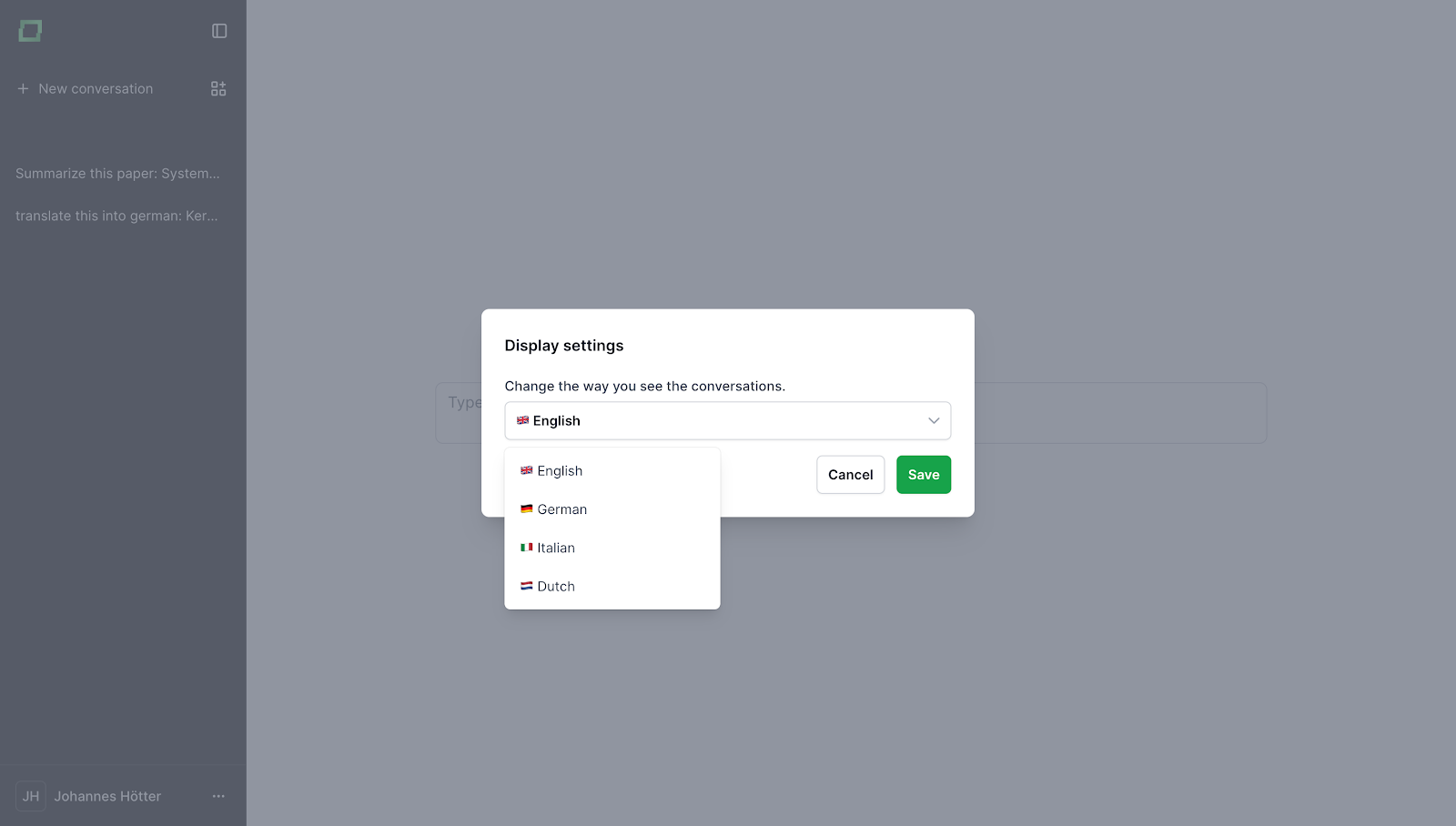
In this context menu, you can click on "Display settings", which will open a modal from which you can select the display language. Currently, we support:
If you need a language that isn't supported yet, don't hesitate contacting us via support@kern.ai.